
Appearance
vitepress-image-viewer
VitePress image viewer with zoom, drag, fullscreen overlay, captions and download button. Automatically enhances all images on the page. Built with Vue 3. ✨



Installation
sh
npm i @miletorix/vitepress-image-viewerUsage
Configuration
typescript
import type { Theme } from 'vitepress'
import DefaultTheme from 'vitepress/theme'

import ImageViewerP from '@miletorix/vitepress-image-viewer'
import '@miletorix/vitepress-image-viewer/style.css'

export default {
  extends: DefaultTheme,
  enhanceApp(ctx) {
    ImageViewerP(ctx.app)
  }
}
Advanced configuration
transparentBg?: boolean- Use transparent dark overlay instead of solid background. Default is true.autoShowThumbnails?: boolean- Automatically show thumbnails on desktop. Default is true.
typescript
import type { Theme } from 'vitepress'
import DefaultTheme from 'vitepress/theme'

import ImageViewerP from '@miletorix/vitepress-image-viewer'
import '@miletorix/vitepress-image-viewer/style.css'

export default {
  extends: DefaultTheme,
  enhanceApp(ctx) {
    ImageViewerP(ctx.app, {
      transparentBg: false, // default is true
      autoShowThumbnails: false // default is true
    })
  }
}
Examples
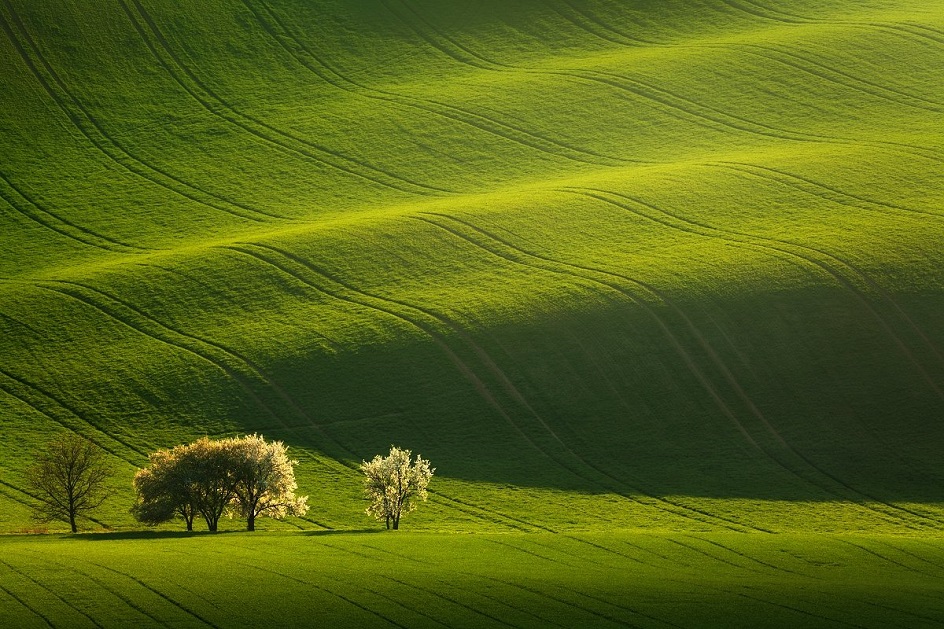
Markdown Image
Input:
md
Output:
HTML Image
Input:
html
<img src="/demo-3.jpg" alt="Nature, Landscape, Portrait display." />Output:
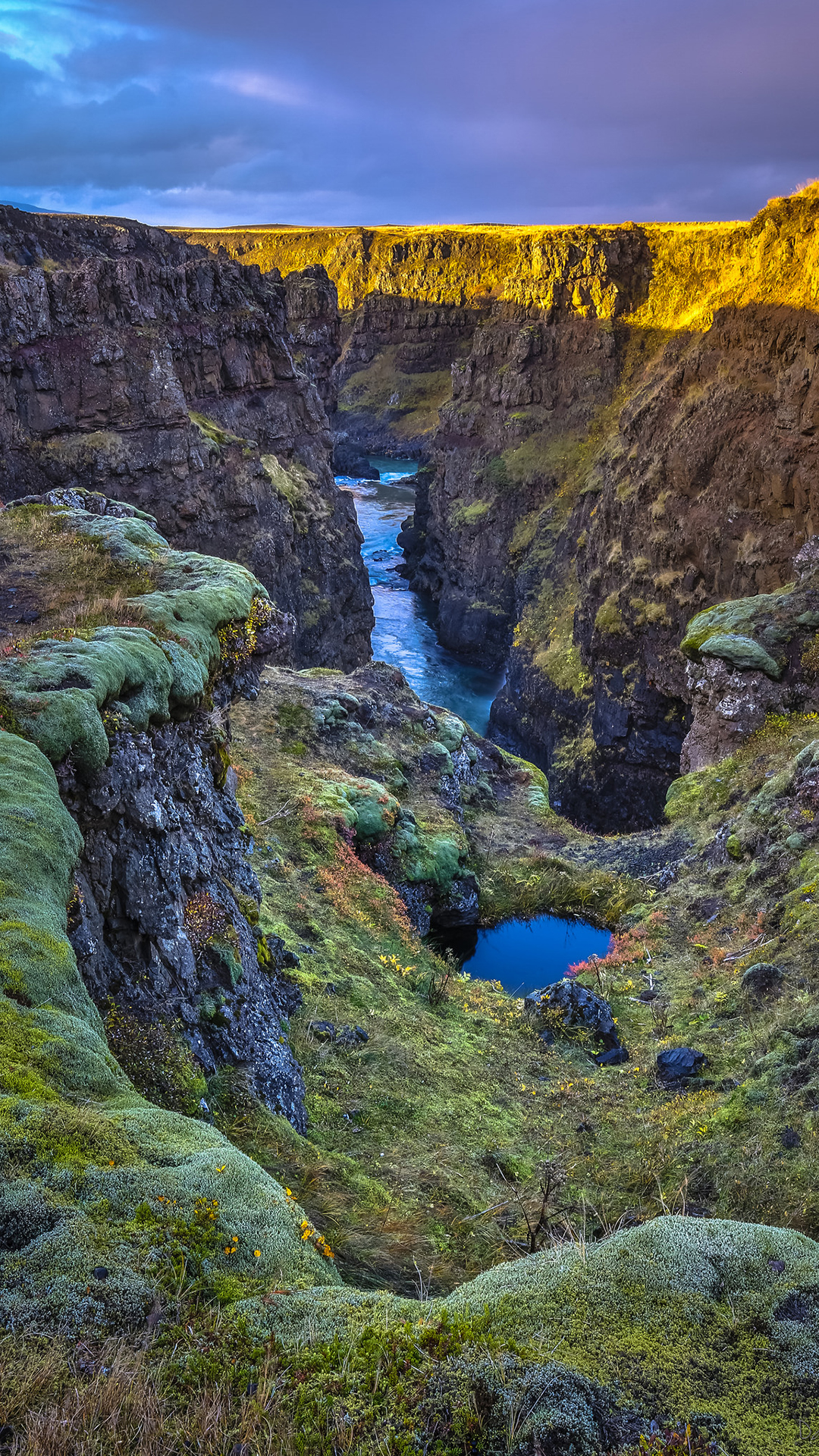
Image using the Image Group plugin

@miletorix/vitepress-image-group
https://www.npmjs.com/package/@miletorix/vitepress-image-group
Input:
vue
<ImageGroup
  :sources="[
    'demo-4.jpg'
  ]"
  type="manual"
  width="400px"
  caption="Japanese Waterfall."
/>
Output:

Japanese Waterfall.